Chaos Front Guide
Mech Encyclopedia and Faction Affiliation
Title-screen encyclopedia and faction pick — 1st Fleet vs 2nd Fleet are separate routes under one committee.
Last updated: September 11, 2026
Quick Answer
Read encyclopedia before missions — role, damage type, passives. Faction affiliation on title screen; 1st Fleet ≠ 2nd Fleet for route purposes.
Most people mash start and pick a logo. The title screen is an intel dump — mech encyclopedia plus faction affiliation that shapes the whole war.
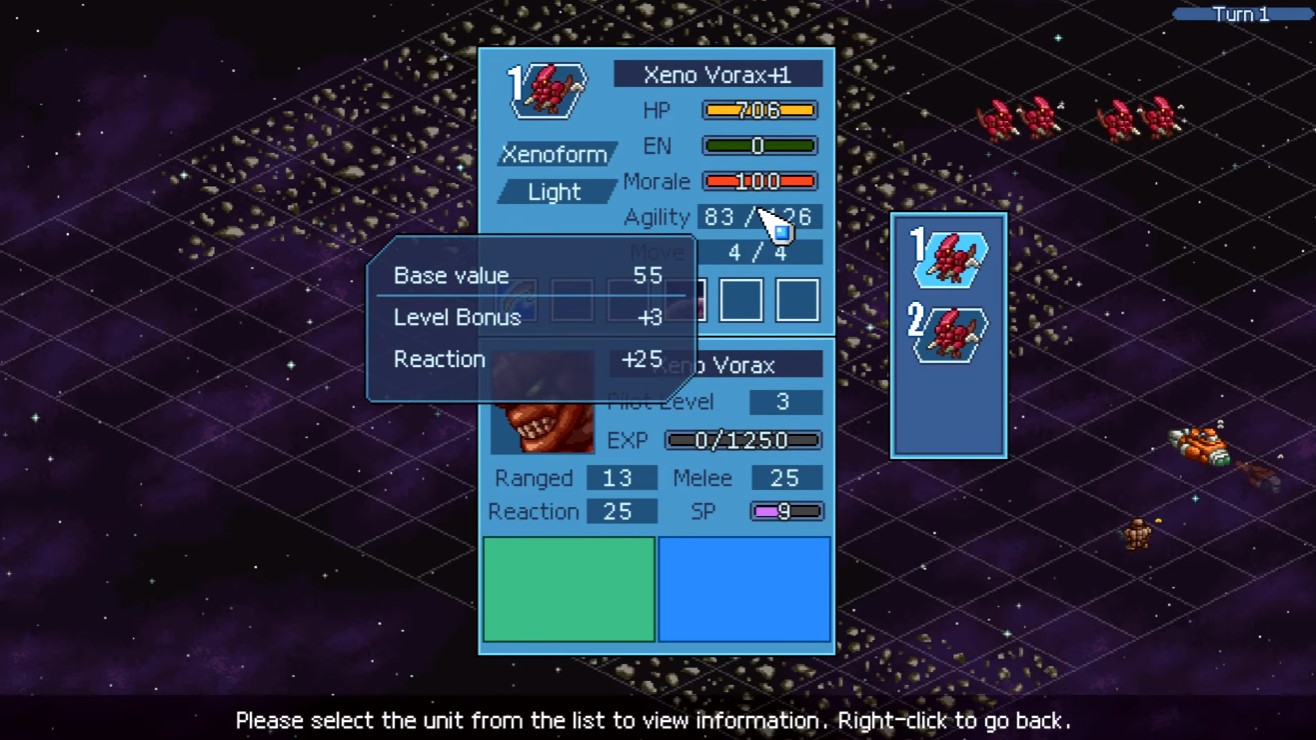
Encyclopedia entry: the damage-type line tells you whether to pack beam or physical before you accept the contract.
Hub: Phase I and VI.
Mech encyclopedia
Not lore fluff — stat and passive reference before you see units in combat.
Read order per entry:
- Role — melee, aircraft, support.
- Damage type — physical vs beam → coating counterplay.
- Passives — hit-and-run, counter profiles — aircraft, Huntsman prep.
- HP bulk — burst vs attrition.
Use reactively: before a mission, after a loss, before shop buys. Two minutes beats one reload.
Faction affiliation
You choose affiliation at menu level — commits you to a war side and ending pool.
Critical: within the same committee, 1st Fleet and 2nd Fleet count as separate factions. Same banner ≠ same route.
Before lock-in:
- Which ending set you want — all endings.
- Protagonist start date — different months on clock — hub Phase VI.
- Demo note: prologue demo is Lycurgus-only slice — full game adds Blazing Blossoms branch.
Encyclopedia tells you how units fight. Faction pick tells you which war you are manipulating. Neither replaces reading the mission list.
More Chaos Front guides
Return to the guide hub for the full walkthrough index, or browse every game in the library.